
Tracking Administrative Requests
digitalized administrationmenu systemtemporary staffingretail, franchisemanufacturing, logistics
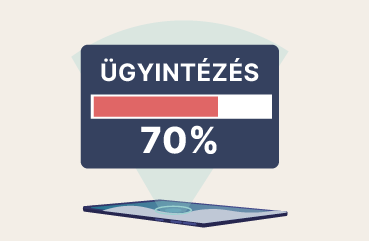
The request tracking feature lets employees follow the workflows they have started. This way, they know exactly what stage their case is at and how it is progressing. This means that if they request an employment certificate, for example, they can see in real time that their request has reached the responsible colleague, who has already started preparing it, and when they can expect to pick it up.
To enable request tracking, you need to add a “Previous requests” option to the menu. This lists the cases submitted earlier. Here, employees can open the chat related to a selected case, edit it, or even delete the process they started earlier.
Why is it good for the company?
- It makes administrative processes trackable, so the colleague who started the request can work in peace, and the colleague handling the case is not pulled away from their tasks either. Everyone knows what their task is and when to expect a resolution.
- If needed, employees can easily and instantly flag if any of their details have changed since the case was opened, if previously shared information needs updating, or if they want to clarify something
- Employees can also indicate if their issue has been resolved in the meantime and they therefore want to cancel the process they started.
Why is it good for the employee?
- They can keep track of the status of their case.
- If something changes, they can edit or even delete their request/report.
- They can ask in the chat how their case is progressing.